How buying works
Enterprise is sold by a person, not a checkout page. There is no card to enter and no plan to pick in the app; the price is quoted for your team.
- Email us Write to support@rackcity.ai with how many people quote and what they quote.
- A quote One price for the team, in writing, with the number of seats on it.
- One invoice NET 30 terms, for the company, never through Checkout.
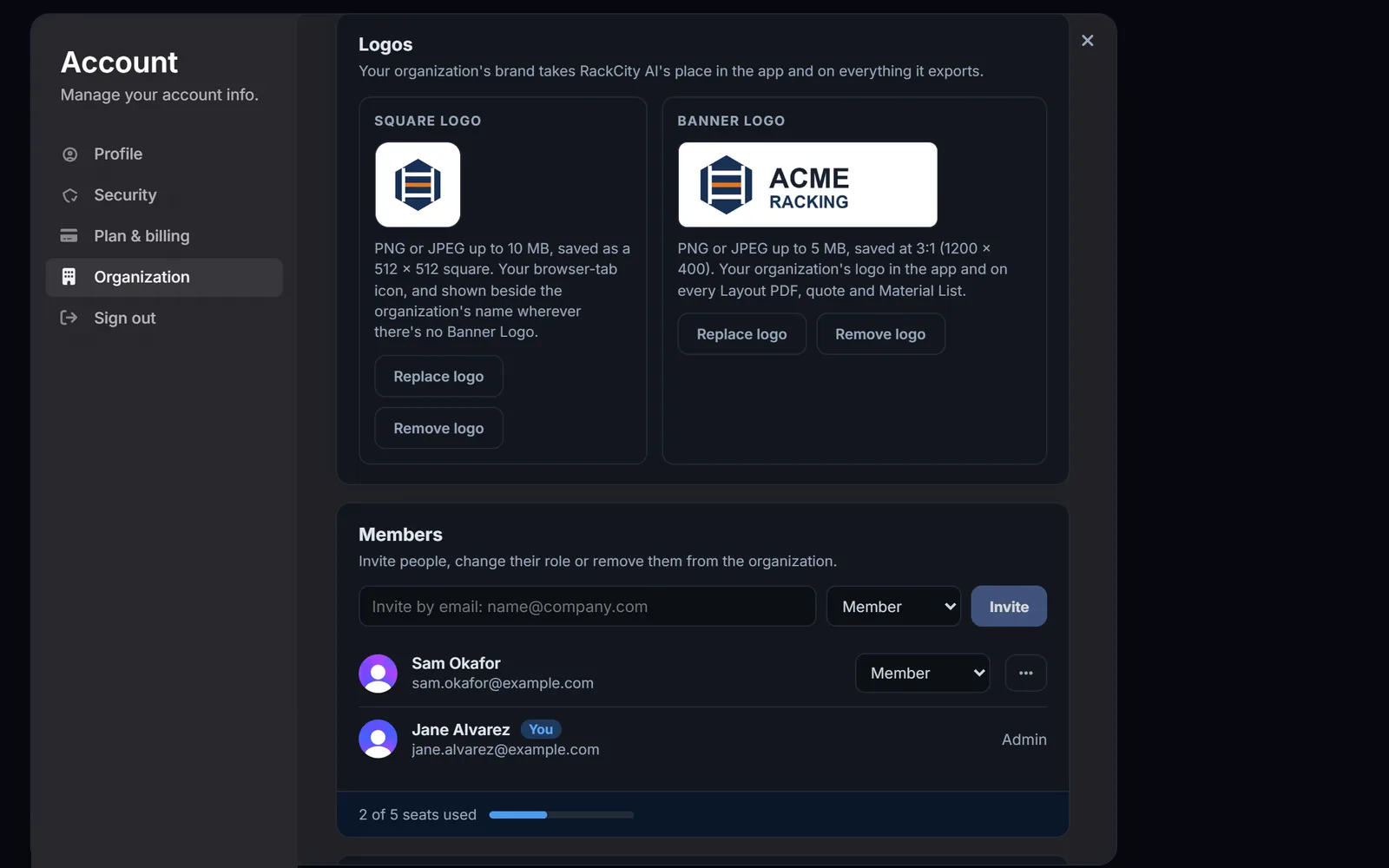
- The admin invites the team From the Organization page, by email. Everyone signs in with their own account and has every Enterprise feature the moment they accept.
Who it’s for
A rack sales team that quotes every week. Three desks it was built around:
A rack dealer with several estimators
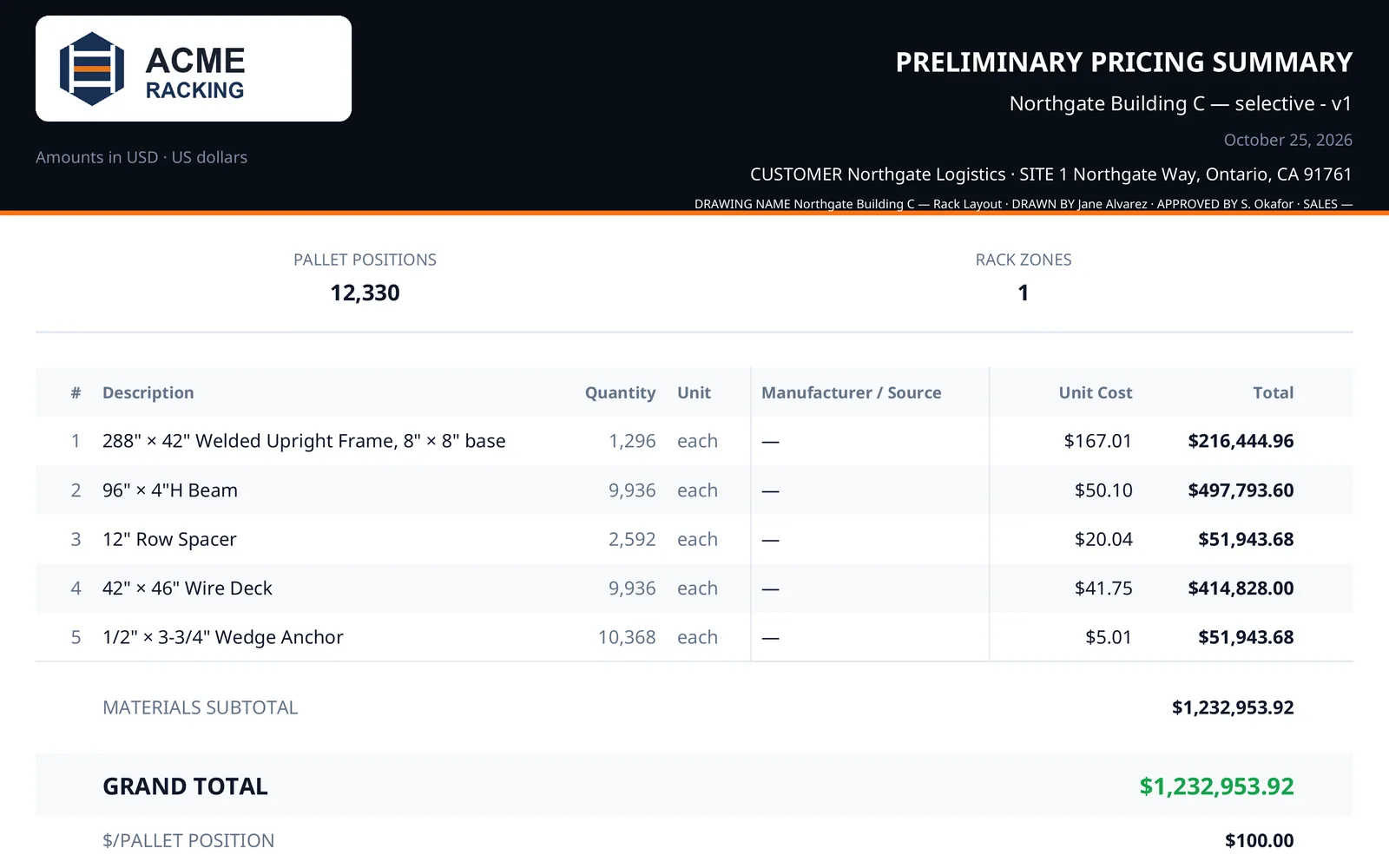
Every estimator quotes from the same workspace. A layout one person drafted is there for the next, the version the customer signed off is the version in the project, and every Pricing Summary leaves with the dealer's logo on it.
A manufacturer's inside-sales desk
The desk turns dealer and end-user inquiries into a drawing and a priced material list the same day. Projects are kept by the team, not on one person's account, so a quote survives a handover.
A 3PL planning several sites
One project per building, every site in one place. The operations lead sees every layout, each planner sees their own, and the capacity numbers come from one tool.
In one line, Enterprise is everything in Warehouse Pro for every seat, your logo on every Layout PDF and quote, and shared organization projects with admin and member roles. Everything in Warehouse Pro means 100 AI requests a day per seat, unlimited projects and versions and the 3D bay view (the plans are compared on the pricing page); on top of it, the team's own branding, the DXF export, projects by customer, admin and member roles, and priority support. The dealer quoting guide walks through a quote from the flyer to the Pricing Summary, the same way a team does it.
Frequently asked questions
What does Enterprise include?
Everything in Warehouse Pro, for every seat: 100 AI requests a day per seat, unlimited projects with unlimited versions, the 3D bay view, and clean exports with your logo on every one. On top of that, shared team projects, admin and member roles, priority support, and seats for your whole team.
How much does Enterprise cost?
It is priced per team, by a person, and the price is not published: email support@rackcity.ai with how many people quote and we send a quote, then one invoice for the team on NET 30 terms, never through Checkout and never a card per person. The plans with a published price are Solo at $30/month and Warehouse Pro at $100/month, on the pricing page.
Can members see each other's projects?
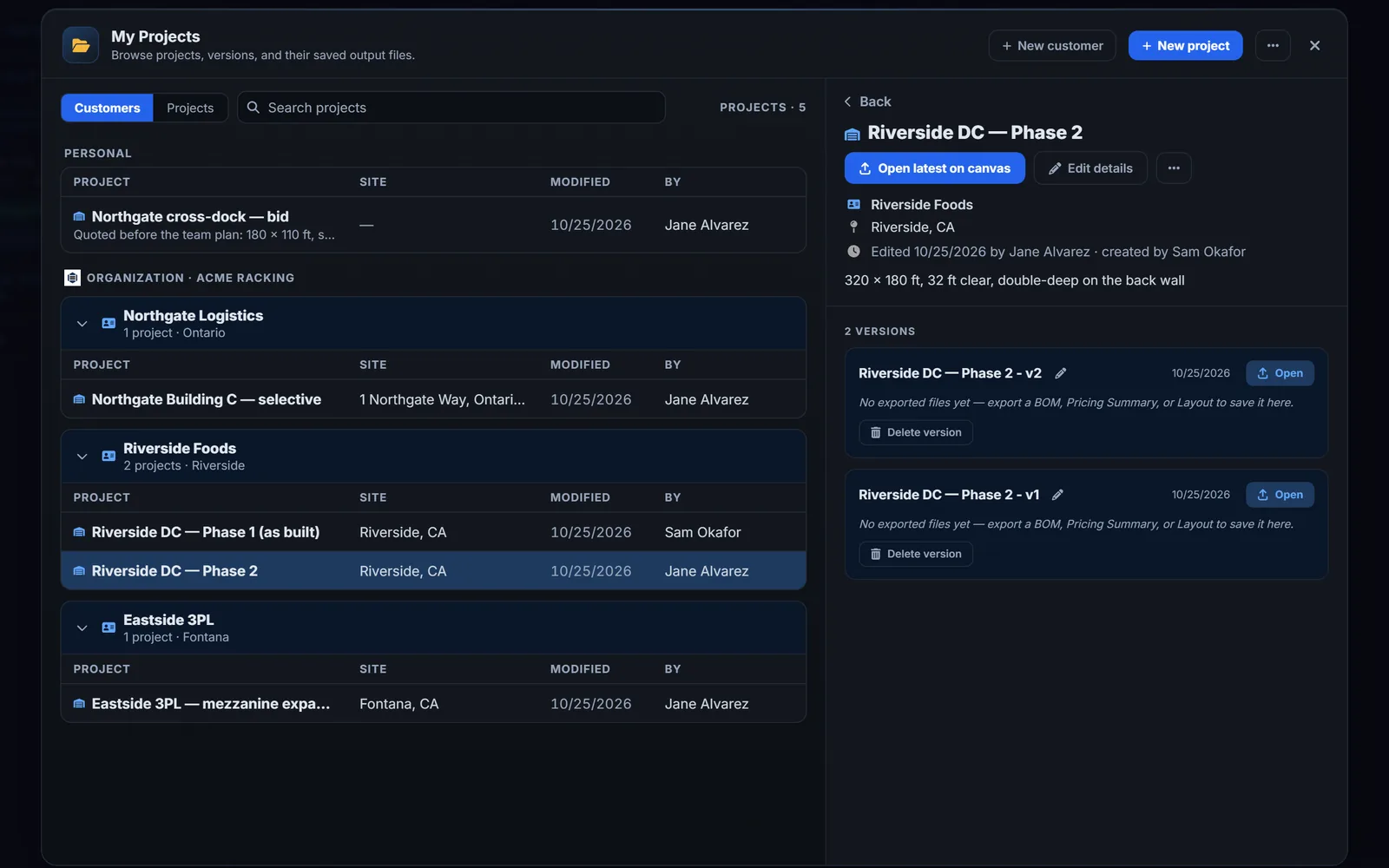
That is the admin's choice, on the Organization page: every member sees every organization project, or each member sees only their own. A member can always move one of their personal projects to the organization, and every organization project names who made it and who last edited it.
Does everyone need their own account?
Yes. Each person signs in with their own RackCity AI account, so their preferences, their personal projects and the "edited by" lines are their own. The admin invites them by email from the Organization page, up to the number of seats on the invoice.
What goes on the PDFs?
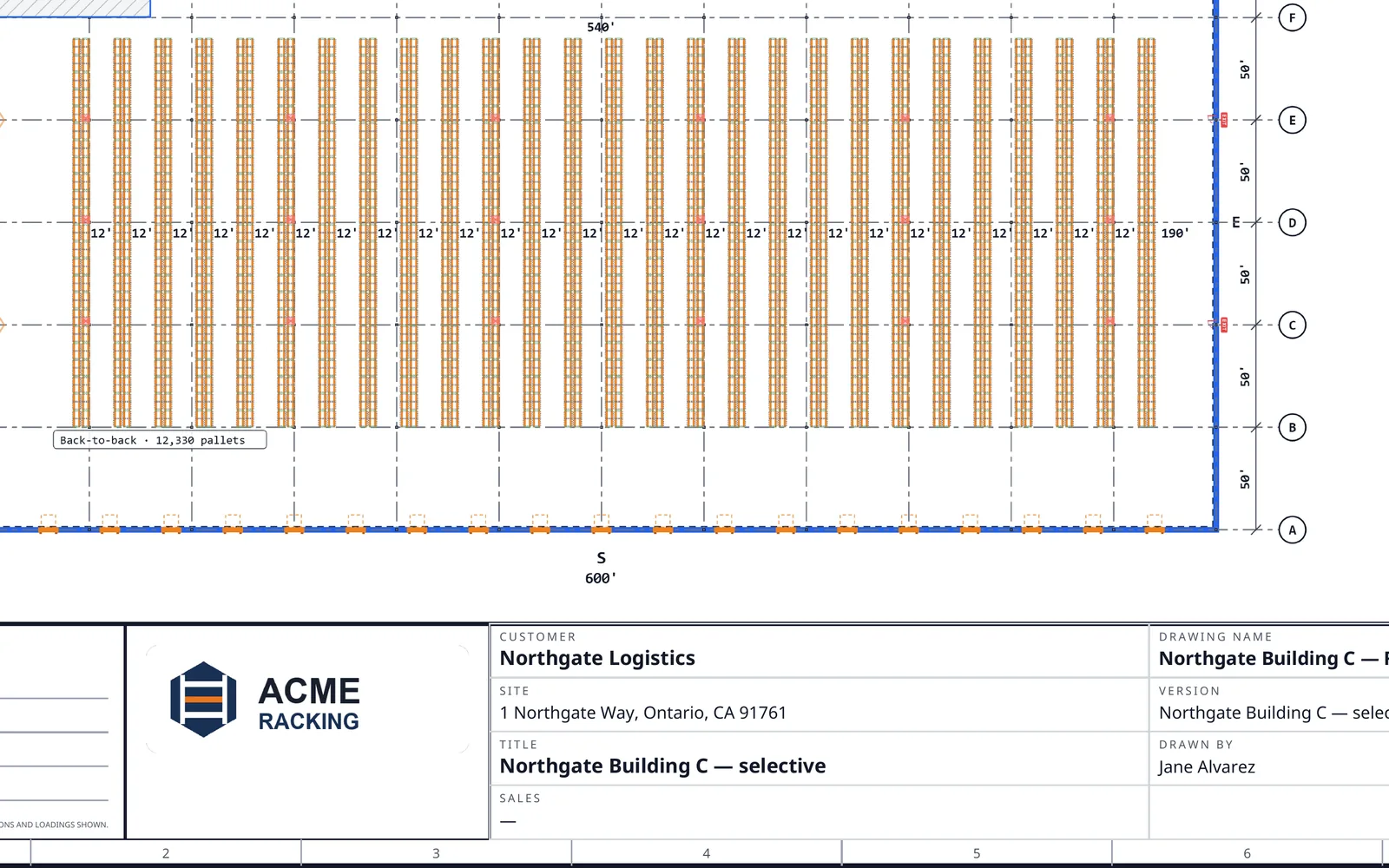
Your logo, in the title block of every Layout PDF sheet and in the header of every Pricing Summary the team exports, with no watermark. Upload a PNG or JPEG on the Organization page, a Square Logo and a Banner Logo; replace or remove either any time.
Can we open the layout in CAD?
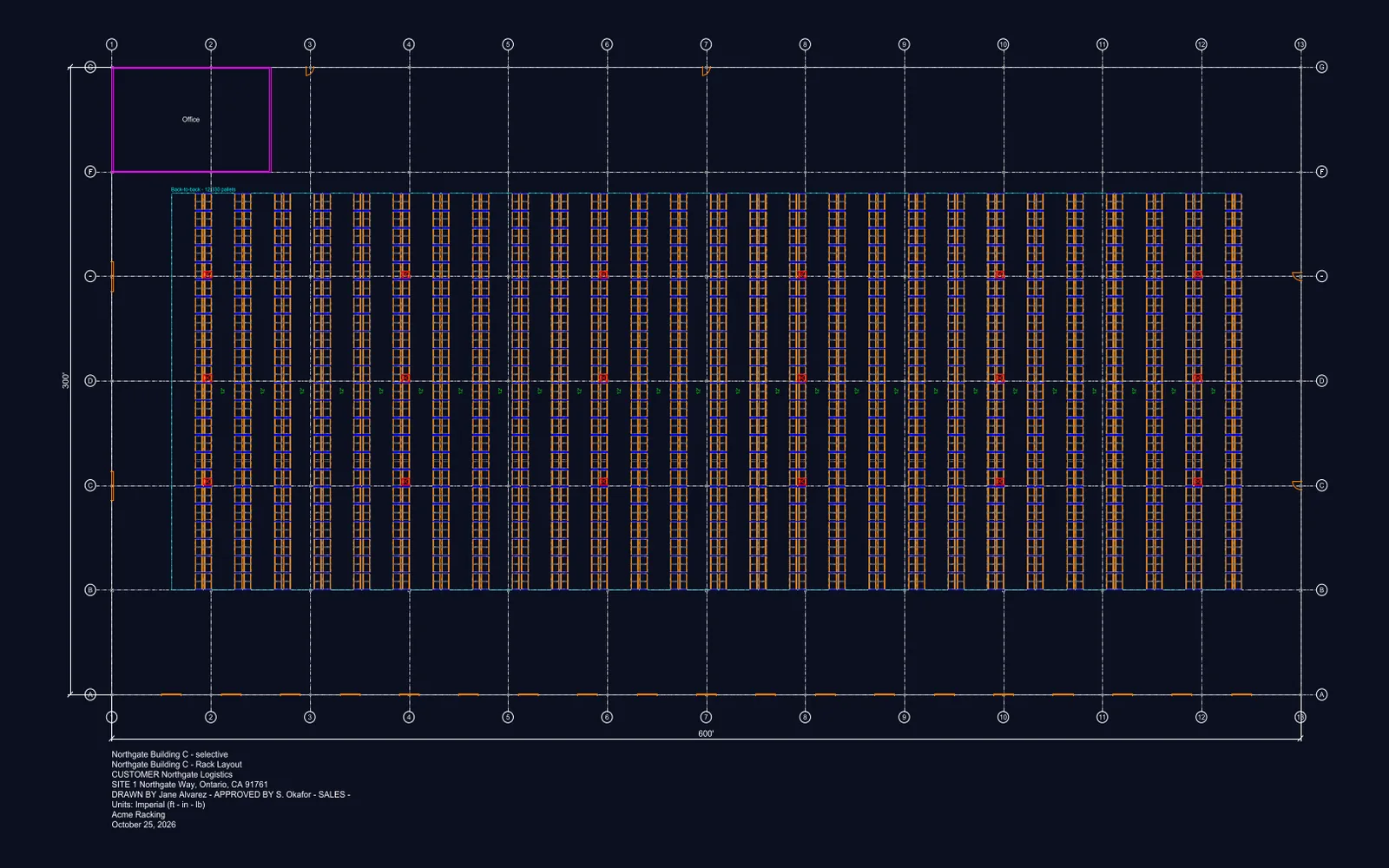
Yes. Enterprise exports the layout as a DXF: the building, the column grid, the doors, every rack row and pallet, the dimensions and the title block, each on its own layer, for AutoCAD, BricsCAD or any CAD program your technical team or designer support uses.
How are projects organized?
By customer. The team keeps its customers in the app, every project is filed under one, and My Projects groups the organization's work by customer, with a search across all of it.
We are on Warehouse Pro today. How do we move to a team?
Email support@rackcity.ai. Your projects stay yours, and once the team exists you can move any of them to it. A member who already pays for their own plan keeps whichever plan is higher.